










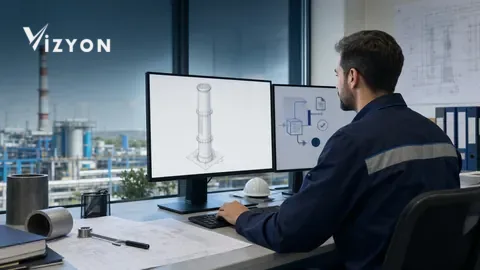
To reliably link the chimney technical drawing to the report, first convert the field measurements into a structured record; then generate the drawing from that record's version and lock it to the correct report revision with the drawing identity, revision, and integrity summary.
Which data should be verified before starting the drawing?
Short answer: the drawing's source must not be free text or a photo folder, but a measurement set tied to a unique chimney identity and reviewed by the technical responsible party.
At minimum, the facility, building or unit, heater, chimney code, connection route, section or diameter, effective height, elbows, material and wall information, cleaning and measurement accesses, and cap/terminal information should be held on the same record. The source of each field should also be stated: field measurement, controlled project, manufacturer data, or external calculation file. The previous drawing is only initial data; it must not be carried into the new report without verifying the current state on site.
KESA explains that the graphical view in the kesa-aladin interface is a schematic facility representation linked to the data entry forms. The counterpart in the VizyonTech workflow is matching every critical part seen in the drawing to a structured field at its source; the user must not validate data by looking at the drawing lines alone.
| Data group | Evidence | Behavior on missing data |
|---|---|---|
| Identity | Facility, work order, chimney, and connected device | Start the drawing |
| Geometry | Diameter/section, height, route, elbows, and connections | Open a measurement verification task |
| Component | Material, wall, terminal, cap, and access | Flag the ambiguous part |
| Source | Field, project, manufacturer, or calculation file | Bring a value with no source to approval |
In what order is the digital drawing prepared?
Short answer: first a common coordinate and reference point are determined, then the main vertical line, connections, and components are built from parametric fields; views and output are produced last.
- Open the chimney card and drawing revision; record the unit of measurement and reference elevation.
- Create the main vertical line with section/diameter and effective height.
- Add the connected devices, horizontal connections, elbows, and transition parts in order.
- Associate the cleaning cap, measurement point, supports, terminal, and access elements with their source.
- Generate the isometric view and, where needed, the plan/top view from the same model.
- Have the technical responsible party compare the measurements, connection logic, and field photographs.
ISO/TC 10 addresses preparing, managing, storing, retrieving, and exchanging computer-generated 2D and 3D technical product documentation across its life cycle. The technical conclusion here is not to mandate a specific drawing format, but to treat the drawing not merely as an image but as a managed technical document.
How is the drawing revision managed?
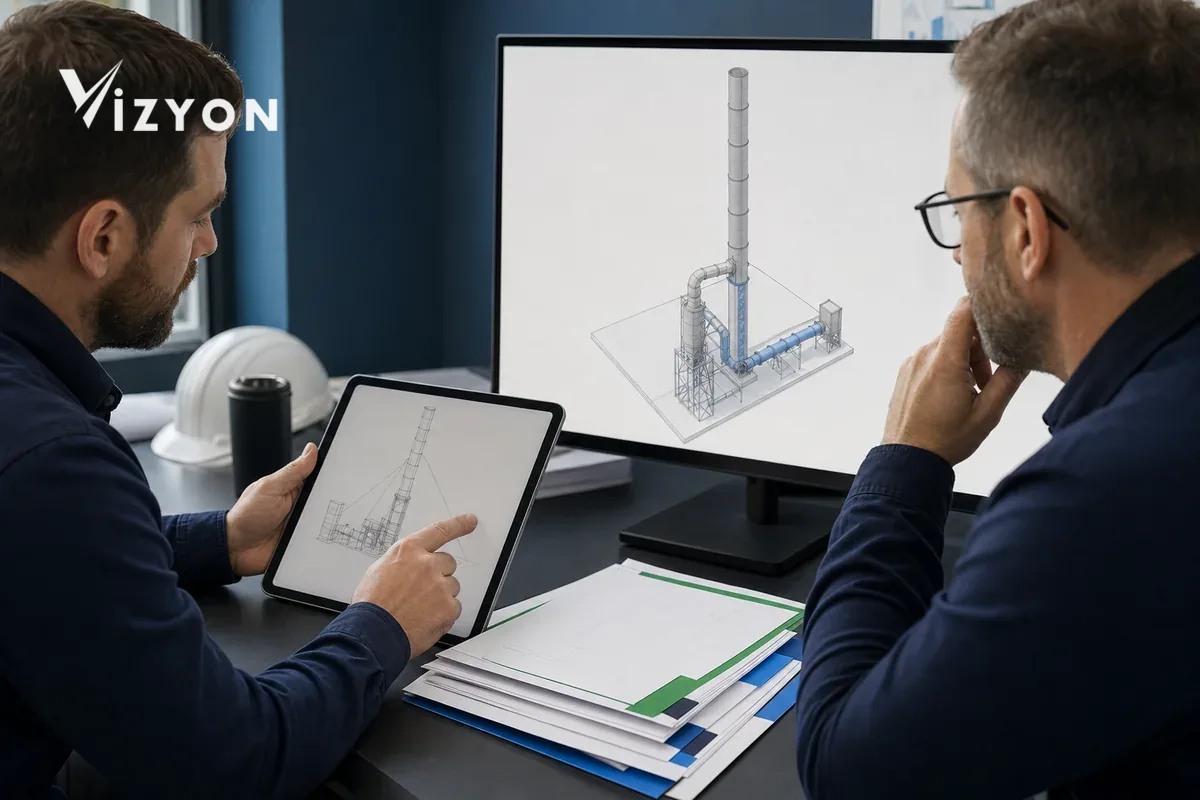
Short answer: a change must not be silently written over the old drawing; the new revision, changed fields, rationale, preparer, reviewer, and link to the previous version must be recorded separately.
ISO/TS 10303-1290:2023 brings document and file identity, digital document version, file properties, and relationships between documents within the scope of document management. In practice, each drawing is given an immutable identity, each change an incrementing revision, a creation time, and responsible parties. The integrity summary of the source measurement set and the output file is stored. The integrity summary helps detect changes; it does not by itself prove technical accuracy or authorization.
KESA's maintenance page states that software and component data can be updated. Therefore, if an external calculation or component library is used, link not only the file but also the software version it was produced with and the data source used to the drawing revision.
How is the correct drawing locked to the correct report revision?
Short answer: the report draft must not select the drawing file by name; it must call the approved drawing identity and revision from the record, and at publication turn this link into an immutable report version.
- When the drawing passes technical control, set its status to "approved"; close draft drawings from report selection.
- Write the chimney identity, drawing identity, drawing revision, and output integrity summary to the report record.
- In PDF production, attach the approved drawing server-side; do not rely on the user uploading a file with the same name from their desktop.
- When the report is published, freeze the report PDF, drawing output, and source measurement version together.
- If the geometry changes, do not modify the old report; open an impact review and, if needed, produce a new report revision.
The PDF Association's description of ISO 19005-1 states that PDF/A-1 defines the use of PDF 1.4 for the long-term preservation of electronic documents and can include text, raster, and vector data. The PDF/A choice should be decided with the organization's archiving policy and validation tools; on its own it does not make the file's technical content correct.
Short pre-publication checklist
Short answer: the drawing is not considered complete until identity, geometry, source, revision, technical approval, and the report link all pass together.
- Do the drawing and the work order use the same facility, device, and chimney identity?
- Are the source and unit of measurement of critical dimensions visible?
- Were the isometric and plan views generated from the same approved model?
- Is the change reason and the old-new revision link preserved?
- Is the distinction between preparer and technical reviewer recorded?
- Does the report automatically call the approved drawing identity and revision?
- Are the integrity summary and archive path of the published files recorded?
You can review the automated drawing and reporting workflow of the Vizyon Baca solution; to evaluate the data and approval gates of your own drawing template, create a demo request. The software does not replace authorized technical assessment.
Sources
- kesa-aladin software and graphical view description — Kesa Technische Software GmbH, accessed July 22, 2026
- Software maintenance and current component data — Kesa Technische Software GmbH, accessed July 22, 2026
- ISO/TC 10 — Technical product documentation, accessed July 22, 2026
- ISO/TS 10303-1290:2023, Edition 4 — Document management
- ISO 19005-1 and PDF/A-1 description — PDF Association, accessed July 22, 2026