










Stack periodic inspection software For teams looking for it, Vizyon Baca runs the job on a single record, from building and stack inventory to the KESA Aladin file, from field measurement to automatic technical drawing, from the e-signed report to data preparation compliant with authority notifications. Installation companies, stack companies and accredited certification companies can use the same project data within their own authorizations and duties.
This structure is not merely a report-preparing program. The project opened in the office, the QR code scanned in the field, the offline recorded measurement, the technical review, the report revision and the final document presented to the building management progress without being disconnected from each other. Thus, instead of writing the same stack information over and over into different files, the verified record feeds every stage of the process.
Which process does Vizyon Baca bring together in one place?
It starts with the job, customer and building record. Under the site, block, flat or independent section, a separate card is opened for each stack; type, fuel, connected appliance, past inspections and project documents are linked to this card. The QR identity given to each stack ensures that the field record and the office project progress over the same asset.
The planning team determines the inspection date, the assigned personnel and the vehicle route. When field personnel scan the stack's QR code, the correct work order opens; draft, CO/O₂ gas analysis, leak tightness and the relevant check values can be recorded even without an internet connection. Photographs, descriptions and measurements do not remain in separate messages or phone galleries; they are entered directly on the relevant stack card.
When the field is completed, the same record feeds the technical drawing and report fields. After the authorized user performs the checks, the selected reports can be merged into a single PDF, e-signed with V-İmza and verified via QR. The next inspection period is planned; the building management also accesses the current report from the panel opened for them.
- Contract and inventory: Customer, building, stack, appliance and project information are linked.
- Planning: The inspection schedule, team workload and field route are prepared.
- Field record: The correct stack is opened with QR; measurement, photographs and findings are recorded offline as well.
- Report and approval: Common data are transferred to the reports, the technical check and e-signature process is run.
- Notification and tracking: Records compliant with authority processes are prepared, the current document is shared and the next period is planned.
How is a KESA Aladin file transferred into the project?
Vizyon Baca transfers the .alp file prepared on KESA Aladin into the relevant project. The appliance, line, diameter and material information in the file is read; instead of making the user re-enter the same data on the report screen, the appropriate fields are matched with the project record. This transfer especially simplifies data entry in jobs involving many appliances or lines.
The flow is controlled: the user first selects the correct customer, building and project; uploads the .alp file; reviews and approves the transferred rows. Thus, which project the values from the external file were taken into, when and by whom, is kept on record. When the information in the project is updated, the report fields are also fed from the common data source.
The purpose of the KESA transfer is to carry the data in the calculation software into the operation and reporting process. The software does not decide on its own on the technical accuracy of the KESA calculation; the final check and technical evaluation remain with the authorized user. This boundary preserves automation speed together with expert control.
How does automatic stack drawing work?
As the stack diameter, effective height, number of elbows, wall type, cap and route information change, Vizyon Baca regenerates the isometric drawing and the top view. Thus the field data and the image added to the report do not become disconnected; when a measurement or route is corrected, the old drawing does not need to be prepared from scratch.
The system can take the required parameters from the project record in different scenarios such as condensing combi boilers, atmospheric appliances and burner appliances. For example, in an atmospheric appliance, natural draft, effective height, elbow and cap type come to the fore; while in a burner appliance, flue gas flow rate, boiler connection and control cover position can be handled together.
The prepared technical drawing can be exported as DXF, PDF or DWG and added to the relevant report. Which data version the drawing was produced from is preserved within the project. Automatic drawing does not replace the technical personnel's control; its purpose is to reduce repetitive drawing work and ensure consistency between the project and the report.
How is compatibility with authority notification processes maintained?
Vizyon Baca organizes building, chimney identification and measurement records in a shared inventory for technical review and reporting. Inspection decisions and any required regulatory submissions remain the responsibility of the authorized organization and personnel.
This approach reduces the re-preparation of the same information and makes the work status within the company traceable. The system does not exercise authority on behalf of the authority, does not make an automatic acceptance decision, and does not offer a guarantee of official approval.
Who can use Vizyon Baca?
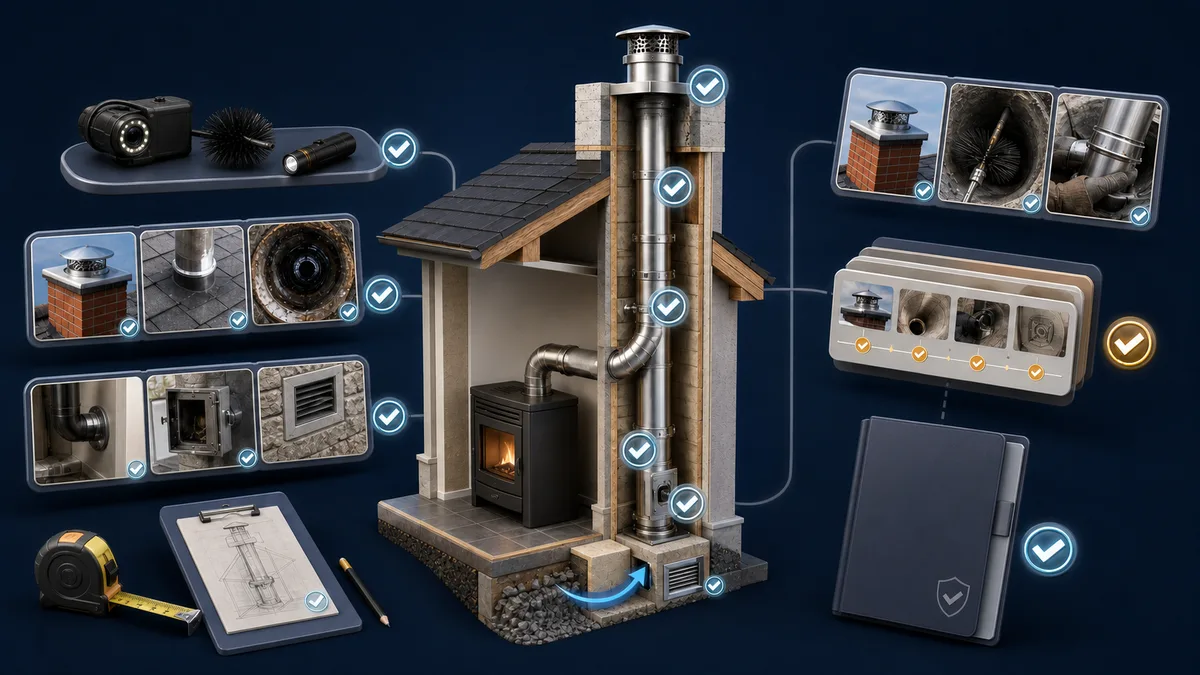
Vizyon Baca is designed not only for the final report stage of stack work; it is designed for companies that touch the installation, project, field inspection and certification steps together. Thanks to the authorization matrix, each team can work with the screens and operations under its own responsibility.
- Installation companies: They record customer, appliance and stack information regularly at the start of the project; link the KESA .alp data to the relevant job; and collect the installation and project documents in a single file. Information to be passed to the field or certification team turns from scattered e-mail attachments into a project record.
- Stack companies: They manage the building and stack inventory, team plan, field measurements, automatic drawing, reports and next inspection dates. The many stacks in the same building are separated by QR identity; information carried over from an old project can be taken into the new job in a controlled manner.
- Accredited certification companies: They run personnel authorization, technical review, report template, revision and approval chain according to the organization's procedure. In which scope which operation will be performed is determined by the company's own authorization and accreditation scope; the software does not expand this scope on its own.
If the same company takes on more than one role, the process does not have to be split. Roles and authorizations can be defined department by department; the preparing, checking and approving steps can proceed with separate users.
Which reports and outputs are produced from a single data entry?
Project calculation, field report, inspection report and leak tightness report can receive common fields from the same record. If the company wants to keep its current report format, the template is adapted to the system; logo, document number, QR verification field and e-signature section are prepared according to the corporate arrangement.
| Record or transaction | Where it is used in the system | Output produced |
|---|---|---|
| Building, stack, appliance and KESA data | Project calculation, inventory and technical drawing | Project record with DXF, PDF or DWG drawing |
| Draft, gas analysis, leak tightness and photographs | Field and technical review screen | Field, inspection and leak tightness reports |
| Approved reports and project documents | Report merging and V-İmza flow | Single PDF with document number and QR verification |
| Building, stack and completed inspection information | Data preparation compliant with authority notifications | Controlled data set and in-company tracking record |
When a correction is required, the linked reports can be revised in a chain as R01, R02. The previous version is not deleted; the revision reason and the current file are separated. In this way, while the current report is presented in the customer panel, the authorized team can access the history of the old versions.
How do the field team and the office work on the same record?
The office opens the work order and plans the field team and the route. Personnel see only the jobs assigned to them in the mobile application; open the stack card with the QR code and record the data even if there is no connection. When synchronization is complete, the office starts reviewing the measurements and photographs on the same job.
On the dashboard, person-based daily workload, delayed jobs and report status can be seen. Thus managers can look not only at the number of completed documents but also at pending field records, technical checks and notification steps. If the vehicle tracking module is used, the field route and the operation plan can be tracked within the same system.
The building management panel is separate from the internal operation screens. The customer accesses only the building, stacks, current report and upcoming inspection information opened for them. Internal company notes, drafts and authorization-dependent documents are not shown to the external user.
What difference does Vizyon Baca make in daily use?
In the morning, the planning responsible person distributes the jobs by seeing the teams' capacity. At the first address, field personnel open the correct stack with the QR code; record the measurement, findings and photographs. If the internet is weak, the operation is not left half-finished. When back at the office, the records synchronize and the technical responsible person moves on to report control.
Meanwhile, the project information taken from the KESA file feeds the drawing and report fields. If a missing diameter or route information is corrected, the parametric drawing is updated. The reports whose control is completed are merged, signed and opened to the customer panel; the records needed for the authority notification are also prepared from the same job card.
The practical counterpart of this arrangement is that the questions “which is the final file?”, “which stack does this measurement belong to?”, “has the notification been made?” and “which revision was sent to the customer?” do not depend on individuals. The answer sought is visible in the project history.
Why a single system instead of Excel, messages and e-mail?
In fragmented working, customer information stays in Excel, the KESA file in a folder, field photographs on the phone, the report in a Word file and the authority notification tracking in another list. Every transfer produces a new copy. Even a small difference in the stack number can lead to the measurement being carried into the wrong report or an outdated document being sent to the customer.
Vizyon Baca works over common identity, role-based authorization and transaction history. Users do not try to merge different copies of the same data; the current record on the project card goes to the relevant modules in a controlled manner. This approach does not magically eliminate all errors, but it makes visible where the error occurred and who made which change.
What can you see in a Vizyon Baca demo?
In the live demo, through an example close to your own workflow, the building and stack card, field record with QR, KESA .alp transfer, automatic drawing, report merging, V-İmza, data preparation compliant with authority notifications and the customer panel can be shown. If you have an existing report format, how it will be adapted to the system can also be evaluated together.
On the Vizyon Baca product page you can review the modules and process steps. To see it live with your own process, Vizyon Baca demo request create one. For other field and certification solutions, you can browse all software solutions .
Technical limit: Vizyon Baca manages data, documents and the approval flow. The technical decision, report scope and authorization in the authority notification are the responsibility of the relevant user or organization.
Frequently asked questions about Vizyon Baca
Can the KESA Aladin .alp file be transferred directly into the project?
Yes. Vizyon Baca takes the appliance, line, diameter and material information in the .alp file into the relevant project. After the user checks and approves the transferred data, the common fields are used in the report process.
What outputs does the automatic stack drawing give?
The parametric drawing updates the isometric and top view; the output can be taken in DXF, PDF or DWG format and added to the project and report.
Does the field application work without internet?
Assigned jobs, measurements, findings and photographs can be recorded offline. When the connection comes, the data is synchronized with the relevant stack card.
Can our existing report template be adapted to Vizyon Baca?
Yes. The report format used by the company can be adapted to the system with dynamic fields, document number, QR verification and e-signature sections; the scope is clarified during the demo and analysis.
Sources
The technical criteria to be applied in stack and internal installation inspections must be determined according to the type of installation, distribution company regulations, the organization's scope of authorization and current legislation.
- EPDK — Natural Gas Market Internal Installation Regulation
- EPDK — Natural gas market consumer and internal installation explanations
- TÜRKAK — Inspection Accreditation Department and TS EN ISO/IEC 17020 scope
- TÜRKAK — TS EN ISO 17020 transition policy
Sources were checked on 13 July 2026. Before application, the current legislation, the distribution company's technical principles and the organization's approved procedure must be verified together.