











Short answer: how is double entry prevented?
Give each inspection job a stable source identity; run the ERP transfer idempotently with this identity, enforce uniqueness in the database and link only the verified target document to accounting.
An integration working only in the normal flow is not enough. When a network response is lost, a queue message is redelivered, or two workers pick up the same job, the result must still be one customer, one order and one billing linkage.
Why does double entry occur?
Short answer: most double entries occur not because the user pressed the button twice, but because of uncontrolled retries made at the ambiguous moment when the first request succeeded but its response was lost.
The inspection system sends an order creation request to the ERP. The ERP creates the record, but the connection drops and the integration cannot receive the response. If the worker resends the same request as a new transaction, a second order may be created. Similar risk appears with at-least-once queue delivery, parallel workers, manual retries after timeout and bulk synchronization.
IETF RFC 9110 defines an idempotent method as one where several applications of the same request have the same intended effect as a single application. PUT has this property; creating a new resource with POST must additionally be protected. The technical design must not assume the network delivers exactly once.
Which identity should own the record?
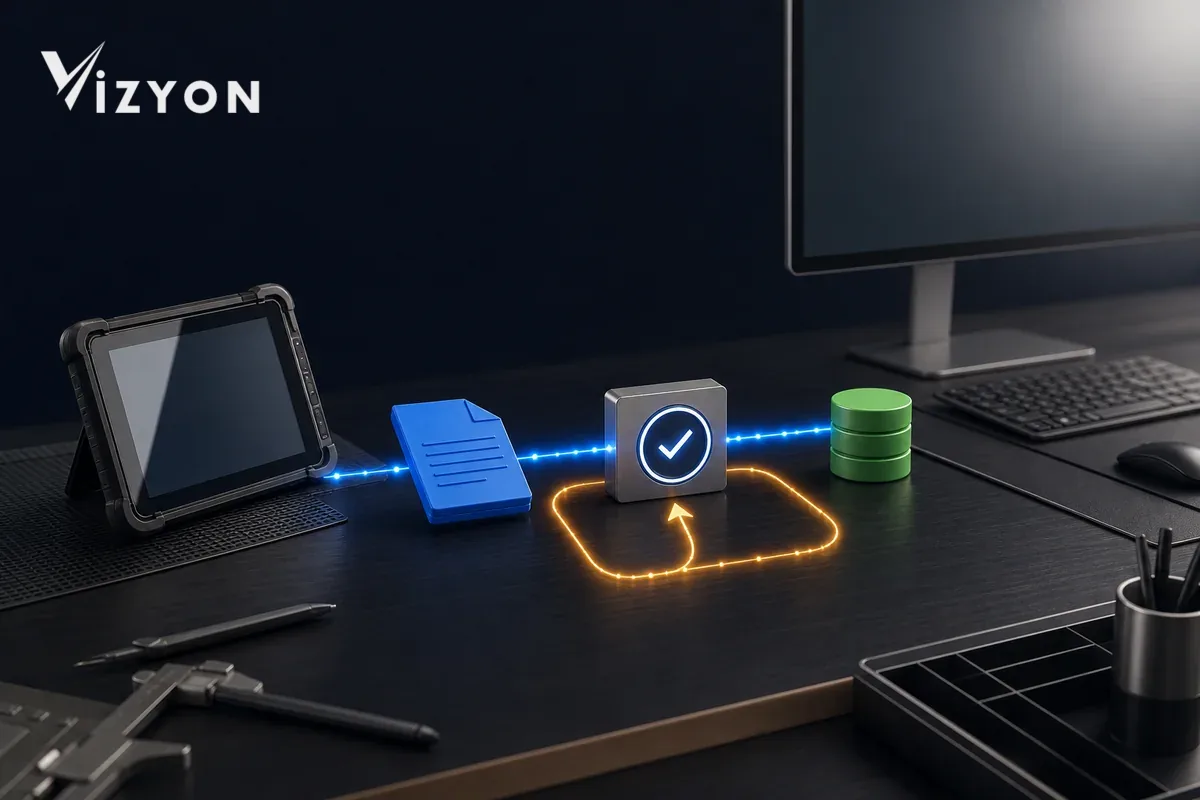
The inspection job, the ERP order, the accounting voucher and the e-document are not the same identity. At the start of the chain there must be a stable source job UUID ; identities produced by the other systems must be stored in separate fields as counterparts of it.
| Identity | Owner | When is it created? | Usage |
|---|---|---|---|
| Source job UUID | Inspection system | When the job is first opened | Stable job key for all transfers and retries |
| Event UUID | Inspection system | When a billing-ready version is created | Queue message and processed-event check |
| ERP customer/order ID | ERP | When the target record is accepted | Subsequent updates and status queries |
| Accounting document ID | Accounting system | When the document draft/record is created | Financial life cycle |
| E-document UUID/number | E-document process | When the document is issued | The document's own technical identity |
OASIS UBL 2.4 Invoice defines reference fields between the invoice and orders and other documents. The GİB e-Fatura Portal guide also states that invoices with the same UUID and invoice number cannot be uploaded again. The practical conclusion from this is not to replace the source inspection identity with the e-document number; it is to keep the identities separate in a bidirectional mapping table.
How should the idempotency key be generated?
The key must not be regenerated randomly on each retry; it must stay the same across all attempts of the same business effect. An example scope can be derived from a canonical combination of the following parts:
tenant + hedef_sistem + işlem_türü + kaynak_iş_uuid + kaynak_sürümü
The source version matters. Resending the same report version must return the existing result; if an authorized revision creates a new business effect, it must be a separate event with an explicit business rule. The idempotency record must keep, alongside the key, the payload digest, first-seen time, status and target response identity.
Stripe's current API reference documents that after a connection failure a create/update request can safely be replayed with the same idempotency key, and that the request is rejected if the parameters changed while the key stayed the same. This provider-specific behavior is also a useful contract example for an in-house ERP adapter: if the same key arrives with a different customer, amount or tax mapping, do not silently overwrite; flag the conflict for review.
Why is an application check alone not enough?
In the "first check if it exists, otherwise insert" approach, two workers can both see the not-exists result at the same time. Uniqueness must also be enforced in the database.
On the integration mapping table, set up a composite unique constraint tenant_id + target_system + document_type + source_job_uuid on it. PostgreSQL's current INSERT documentation, with the unique constraint ON CONFLICT explains that under race conditions it can achieve an atomic insert/update result. If your business rule does not allow updates, return the existing target ID in the event of a conflict; if the data differs, open a fail-closed review record.
UNIQUE (tenant_id, target_system, document_type, source_job_uuid)

aynı anahtar + aynı payload özeti  -> mevcut sonucu döndür
aynı anahtar + farklı payload       -> çakışma, otomatik belge açma
How should the outbox and queue flow be set up?
Making the inspection report "ready for invoicing" and writing the ERP message separately can produce a half-completed state. The business status and the integration event must be committed within the same local transaction.
- An authorized user approves the report version and the invoicing scope.
- The application updates the business status and inserts an outbox row with the event UUID within the same transaction.
- The worker sends the outbox event to the target adapter with a fixed idempotency key.
- On a successful response, the ERP target ID and response summary are recorded in the linking table.
- If the ACK is lost, the same event arrives again; the consumer sees the event UUID and the business link and returns the existing result.
- A permanent data error is not put into a retry loop; it is routed to review/dead-letter queue.
Microsoft's Transactional Outbox guidance recommends storing the business object and the event in the same transaction; the Service Bus guidance recommends that, due to lost ACKs and redelivery, the consumer be idempotent based on MessageId or business identity. Duplicate detection on the sender side does not replace the uniqueness check on the receiver.
How is customer, service, and tax mapping done safely?
Preventing duplicate records is not merely a technical retry issue. Re-opening the same customer with a different spelling of its title, or invoicing the same service under a different code, also produces operational duplication.
- Customer: map with a verified VKN/TCKN within tenant scope or with the organization's master key; do not use the title alone as a key.
- Service: link the inspection method to the approved ERP stock/service code table; do not auto-create an unmatched code as free text.
- Tax and currency: apply a versioned mapping to the target system's code lists; stop document generation on missing or invalid mapping.
- Amount: lock the calculated lines, discounts, and tax with the source version summary; take post-approval changes into a new revision flow.
- Authorization: manage customer creation, mapping changes, and financial document generation roles with separate audit trails.
An ambiguous match must not select the "closest result." The transfer should wait until human review is completed; the decision should record who, when, previous/new value, and the rationale.
How should transfer status be tracked?
A single "success/failure" field hides ambiguity. The state machine should show which step is repeatable.
| Status | Meaning | Allowed operation |
|---|---|---|
| Preparing | Mapping and payload being validated | Fix gaps |
| Ready to send | Identity, version, and payload summary locked | Enqueue to outbox |
| Ambiguous | Timeout occurred; a result may exist on the target | Query/retry with the same key |
| Transferred | Target ID and response evidence recorded | Query status; do not create a duplicate |
| Review required | Key conflict or data mapping error | Wait for the authorized decision |
| Awaiting cancellation/reversal entry | Financial correction required | Separate process per target system rules |
Deleting the successful transfer record and resending is not a correction method. If a financial document has been created, cancellation, refund, or reversal must be executed with its own identity and approval flow.
What checks should reconciliation perform?
Daily reconciliation should compare source and target records at the identity level, rather than merely counting error logs.
- Jobs that are ready for invoicing but have no target link.
- Multiple target documents linked to the same source job UUID.
- Documents found on the target with no counterpart in the source link table.
- Records whose source version does not match the sent payload summary.
- Attempts remaining in an ambiguous state longer than the defined period.
- Missing approvals/evidence for manual mappings, cancellations, and reversals.
The reconciliation result must not perform automatic deletion or bulk merging. It should show suspicious records, their identities in both systems, and the recommended safe action to an authorized user.
How should a VizyonTech integration be piloted?
Vizyon Periyodik When moving from inspection workflows such as this to the ERP, try failure scenarios before the normal scenario. Double-clicking on the same job, the ERP creating the record but not responding, the same queue message reaching two workers, the same key with a different payload, an invalid customer mapping, and a report revision should all be tested.
The pilot's success criterion is not "the integration worked." For each scenario it must be proven how many records were created on the target, whether the source-target link was established, that retry returns the same result, that ambiguity remained visible, and that unauthorized financial operations were blocked. To preserve the decision chain of the inspection report, it can also be considered together with the e-signature workflow guide .
Sources
- IETF — RFC 9110, HTTP Semantics: Idempotent Methods (June 2022; accessed July 21, 2026).
- Stripe — Idempotent requests, API Reference (current online documentation; accessed July 21, 2026).
- Microsoft Learn — Prevent message loss and duplicate processing in Azure Service Bus (June 29, 2026 update).
- Microsoft Learn — Implement the Transactional Outbox pattern (2026; accessed July 21, 2026).
- PostgreSQL — INSERT and ON CONFLICT, current documentation (accessed July 21, 2026).
- OASIS — UBL 2.4 Invoice model summary (2024).
- Revenue Administration — e-Invoice Portal User Guide v1.5 (November 2013; for technical identity and re-upload rules, accessed July 21, 2026).
ERP, accounting, and e-Document field/code rules must additionally be verified through the provider's current technical documentation and the organization's financial processes.